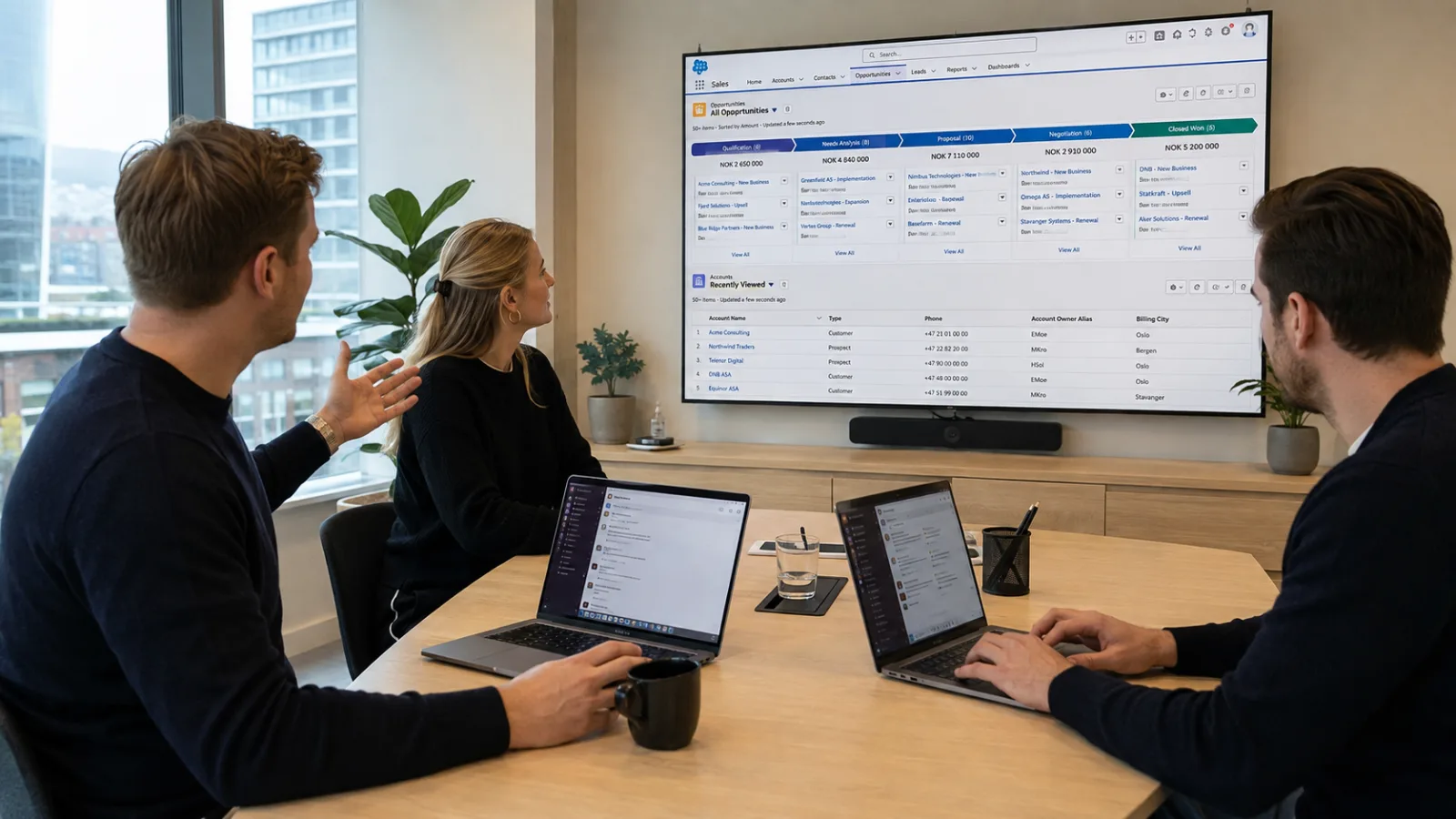
Teamet ditt jobber allerede i Slack. La Salesforce bli med.
Når Slack og Salesforce kobles sammen, kommer kundedata, oppdateringer og arbeidsprosesser nærmere samtalene der teamet allerede jobber. Mindre bytting mellom systemer, bedre flyt og Salesforce data tilgjengelig når de trengs.
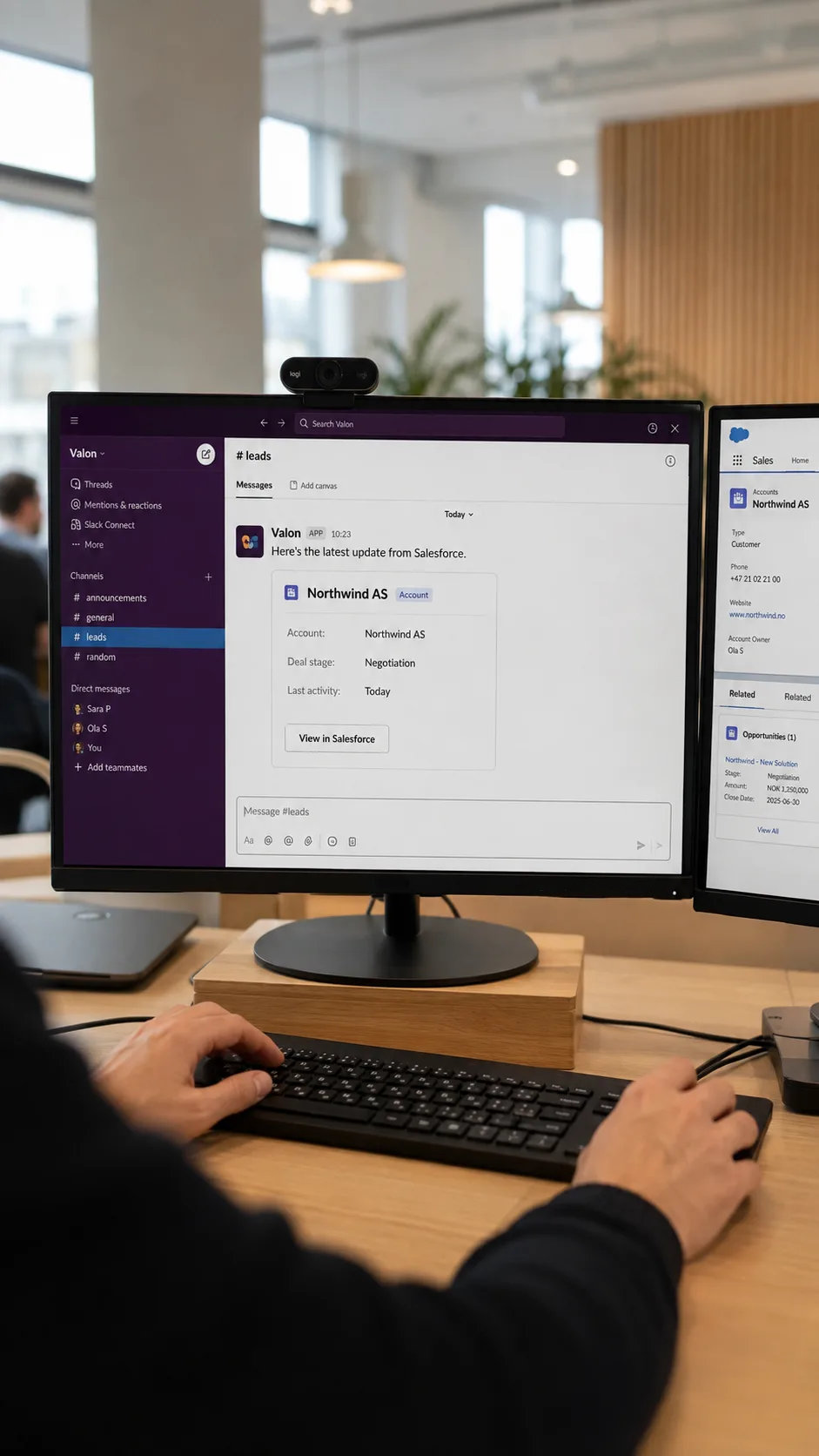
Slack er mer enn chat. Det er en del av Salesforce plattformen.
Salesforce og Slack blir stadig tettere integrert. Data, oppdateringer og prosesser fra Salesforce kan flyttes nærmere stedet teamet allerede samarbeider, slik at mer av arbeidet kan gjøres direkte i Slack.
Men verdien kommer først når de to plattformene faktisk spiller sammen. Det handler om mer enn varsler og enkle kommandoer. Riktig satt opp kan Salesforce-data, automatiseringer og AI-agenter bli en naturlig del av arbeidshverdagen i Slack.
Det er her vi kommer inn. Vi kombinerer Salesforce kompetanse med Slack, integrasjoner og AI for å bygge løsninger rundt hvordan teamet faktisk jobber. Fra oppsett og automatisering til Agentforce og opplæring – satt opp for faktisk bruk, ikke bare en demo.
Fem ting vi gjør for å få Slack og Salesforce til å virke sammen
Fra grunnoppsett til integrasjon, AI og opplæring. Vi setter opp hele løsningen eller bygger videre på det dere allerede har.
Slack + Salesforce gjør teamet raskere og mer effektivt
For selskaper som bruker både Slack og Salesforce – og vil få mer ut av begge
Dere har allerede verktøyene. Vi kobler dem sammen slik at Salesforce data, prosesser og AI blir tilgjengelig der teamet allerede jobber.
Om Slack, Salesforce og hvordan få mest mulig ut av begge
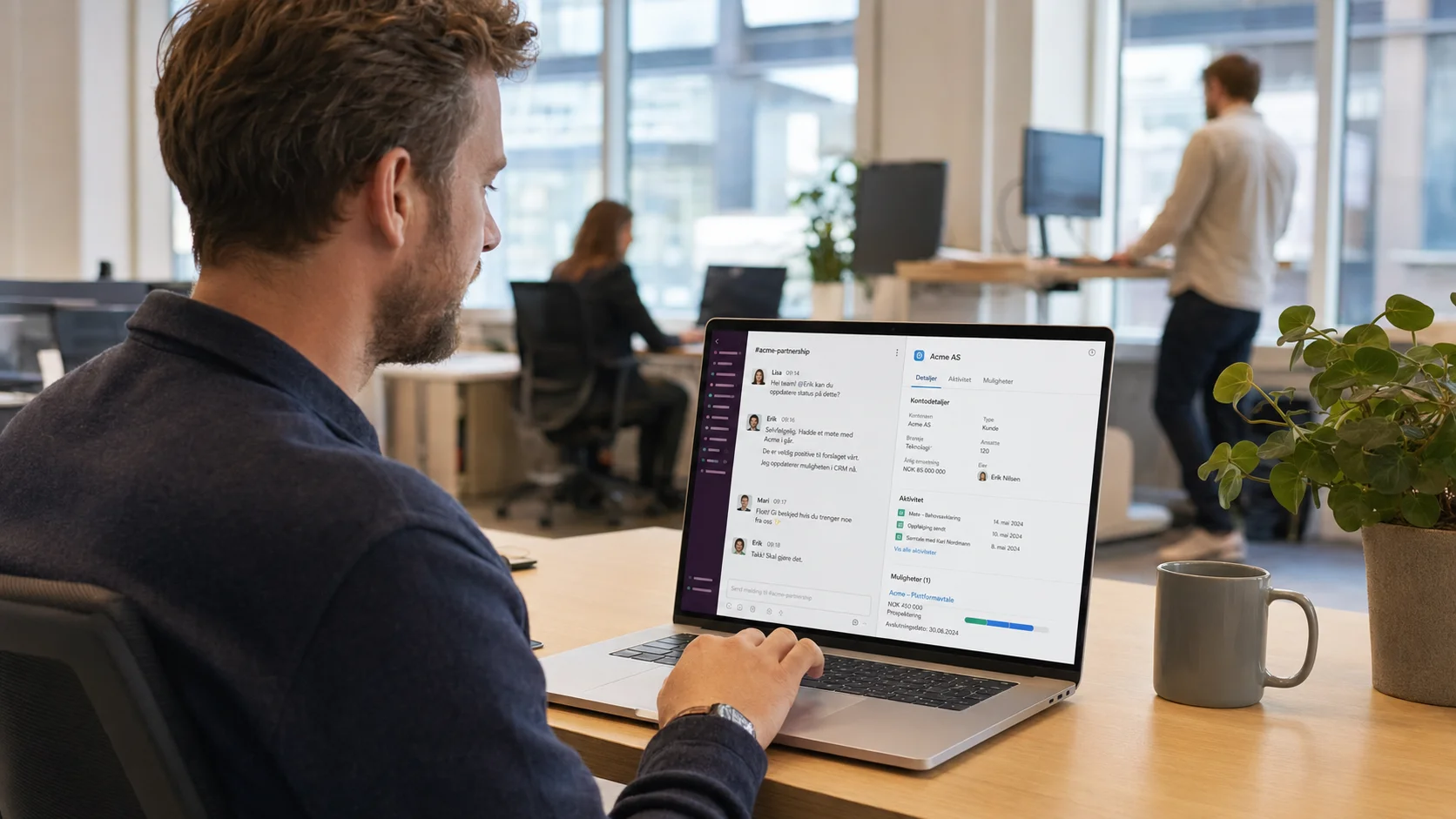

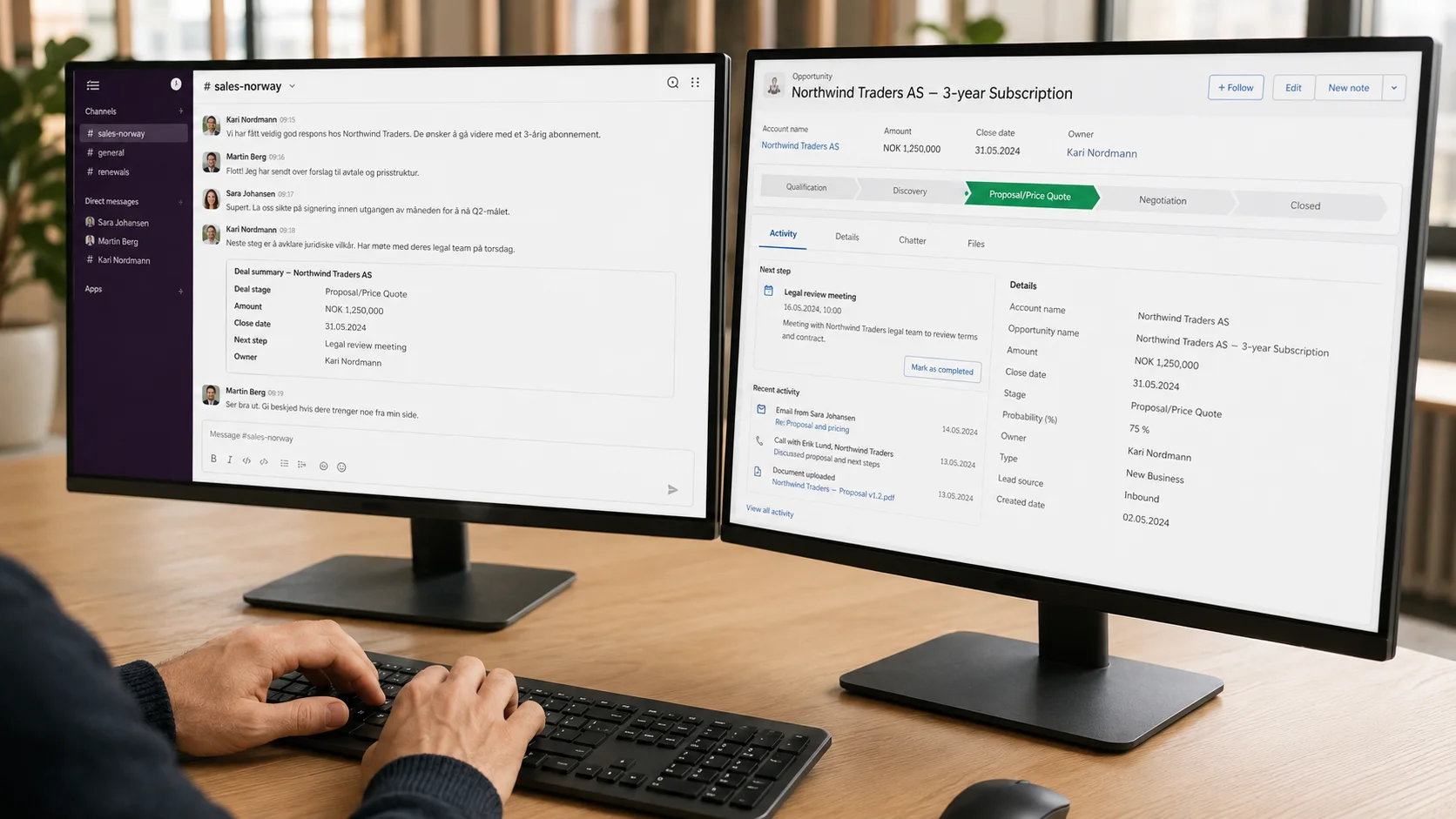
Vanlige spørsmål om Slack og Salesforce
Det avhenger av hva dere ønsker å gjøre. En grunnleggende kobling mellom Slack og Salesforce har andre krav enn for eksempel Agentforce i Slack. Vi går gjennom dagens oppsett og avklarer nødvendige lisenser og tilganger før vi starter.
Det avhenger av hva dere ønsker å få til og hvordan Salesforce er satt opp i dag. En grunnleggende integrasjon kan være relativt rask å etablere, mens mer avanserte prosesser og Agentforce i Slack krever mer konfigurering og testing. Vi avklarer omfang og tidsplan før vi starter.
Nei. Slack og Salesforce kan kobles sammen uten Agentforce. Agentforce blir relevant når dere ønsker AI-agenter som kan bruke Salesforce-data og utføre oppgaver direkte fra Slack.
Agentforce-agenter kan gjøres tilgjengelige direkte i Slack, slik at brukerne kan stille spørsmål, hente relevant Salesforce-kontekst og utføre oppgaver uten å måtte bytte mellom systemene. Hva agenten kan gjøre, avhenger av use caset, Salesforce-oppsettet og tilgangene dere gir den.
Ja. Når vi allerede kjenner Salesforce-oppsettet, prosessene og historikken deres, har vi et bedre utgangspunkt for å vurdere hvordan Slack bør kobles på. Det betyr mindre tid på å sette oss inn i løsningen og mer tid på selve leveransen.
Klar for å få Slack og Salesforce til å jobbe sammen?
Vi finner ut hva dere har, hva dere vil oppnå, og hva som skal til for å koble det sammen.